
Introduction
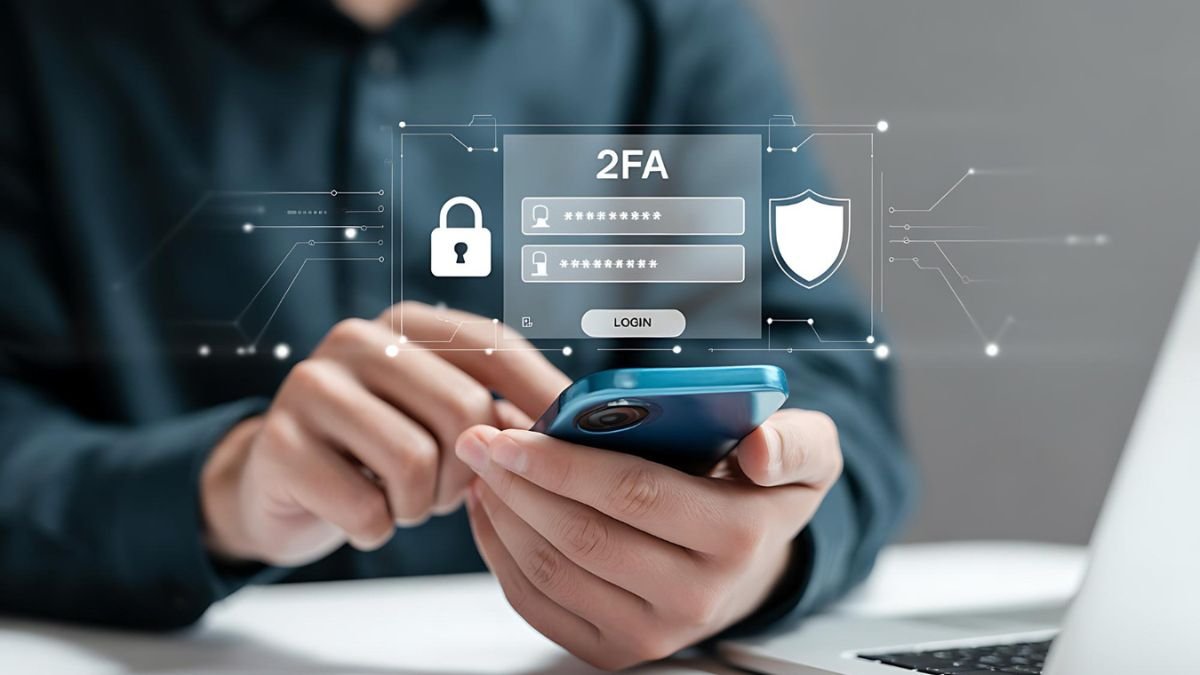
With the propensity of online communication, money and business becoming the central focus of action, online security threats are increasing. The application of passwords is also not sufficient to ensure that any sensitive data will remain unharmed anymore, as the most popular type of software is the amount of data breaches and phishing programs. Two factor authentication (2FA) is another security measure of authentication that enhances account security. After thoroughly checking the usage in different platforms, it can be observed that the use of 2FA can be considered as one of the easiest and most efficient methods of securing personal and professional accounts.
What is Two Factor Authentication?
Two factor authentication is the process by which an individual needs to authenticate himself/herself with two different things to access an account. It can be classified into the three broad categories:
- Knowledge factor: Knowledge of something like a password or PIN.
- Possession factor: Something owned, such as a mobile device or hardware key
- Inherent factor: It is something inbuilt like a fingerprint or facial recognition.
A combination of these factors ( 2FA ) will create a layered defense system. And one of the factors can be violated; however, there is no means to get unauthorized access.
Why Enabling 2FA is Crucial Today
A detailed analysis of the current trends in the field of cybersecurity reveals that in the vast majority of instances of account violations, it is the use of a weak or stolen password that prompts the violation of account security. Common risks include:
- Phishing attacks are used to deceive users into disclosing credentials.
- Credential stuffing attacks on leaked databases of passwords.
- Use of similar passwords on different platforms.
Two-factor authentication can be used to reduce such risks significantly as additional verification is required. In the absence of the additional component, the attackers would not be able to access the account using the login credentials, even if they were to obtain the login credentials. This renders 2FA a potent force, particularly in regard to email, financial applications, cloud storage, and social media, among others.
Types of Two Factor Authentication Methods
SMS-Based One-Time Passwords (OTP)
This system provides some form of special code to the known cell phone number that has been keyed in during the login. It is friendly and comparatively unsafe in nature, as it is not secure enough like SIM swapping.
Authenticator Applications
The applications are called Google Authenticator or Microsoft Authenticator and create temporary codes, which are refreshable after 30 seconds. They are not dependent on mobile networks which increases safety and credibility.
Push Notification Approval
The particular services will require a login to a licensed device. The user just accepts the entry or rejects the entry. This is a painless way of doing this and it lessens the human factor.
Hardware Security Keys
These are hardware devices, which are to be connected to the system during log-in. They provide the highest level of protection and are mostly utilized in the corporate setting or when it comes to individuals who work with confidential information.
Biometric Authentication
The latter may be on fingerprint, facial or iris scan as well. The method is also becoming popular in smartphones and other modern devices.
How to enable two factor authentication
Step 1: Access Security Settings
The first thing to do is to log in to the account and access the Security, Privacy, or Login Settings menu. The majority of the sites place the attributes of 2FA in the following phase.
Step 2: Find the 2FA Option
Search term: Two Factor Authentication, Two-step Verification, or Multi-factor Authentication.
Step 3: Select the Preferred Method
Select a method of verification, depending on convenience and safety:
- SMS for ease of use
- Authenticator apps for better protection
- Hardware keys for maximum security
Step 4: Configure the Method
- You are to provide the mobile number to perform SMS-based verification.
- Scan the QR code for authenticator apps
- Register the hardware key if using one
Step 5: Verify Activation
Paste in the OTP or code generated using a chosen method to figure out the setup.
Step 6: Save Backup Codes
The majority of platforms allow the use of backup codes within the first setup. These categories will be required to get hold of the accounts should the device that was used to access the accounts be lost.
Platform-Wise Implementation Overview
Social Media Accounts
The 2FA of social networks, such as Facebook, Instagram, and X (previously Twitter), is easy to operate. There are typically viable applications and SMS.
Email Services
Email providers are also more secure, in addition to using hardware keys and other authentication methods based on apps. Particularly, email accounts with 2FA should be offered because they are usually intertwined with other services.
Banking and Financial Platforms
Most of the financial applications use two-factor authentication by default. They are usually performed with the help of OTP-based systems, but some apps have biometric authentication allowing quicker access.
Work and Cloud Tools
Cloud storage solution applications, teamwork applications are a few of the applications and services, in which the work-related activity highly insinuates or best uses 2FA, particularly in the workplace.
Best Practices for Using Two Factor Authentication
Choose Stronger Methods
The short message-based verification is less secure than a hardware key or authenticator application.
Store Backup Codes in a secure location.
The backup codes must be saved in a strong password-saving system or off-site, so that they can be accessed in case of emergency.
Keep Devices Secure
Always make sure to lock the authentication gadget with a password, PIN, or even a biometric lock.
Avoid Public Networks
Although the user is never connected to any safe public Wi-Fi upon logging in, the sensitive information can be disclosed during 2FA authentication.
Common Challenges and Limitations
Although two factor authentication has its benefits, it has a number of shortcomings:
- It can be problematic to be reliant on the device being available.
- SMS-based means are susceptible to interception.
- Phishing can still be maintained using verification codes.
- Less experienced users may find the setup to be a complicated concept.
Nevertheless, these issues can be solved by the provision of adequate information and a more secure authentication system.
Conclusion
Two-factor authentication has now emerged as an important aspect of contemporary cybersecurity. It is applicable as a powerful security system against unauthorized access because the system has the potential to supply an extra verification procedure. As will be described in more detail, the configuration of every relevant account to use 2FA can considerably enhance the degree of security without undue complexity. Together with passwords and reasonable usage of the Internet makes it a powerful weapon of defense acceptable in the contemporary world of the digital era.
Also Read: Enterprise Guide to Choosing a Bare Metal Hypervisor for Hybrid Cloud