
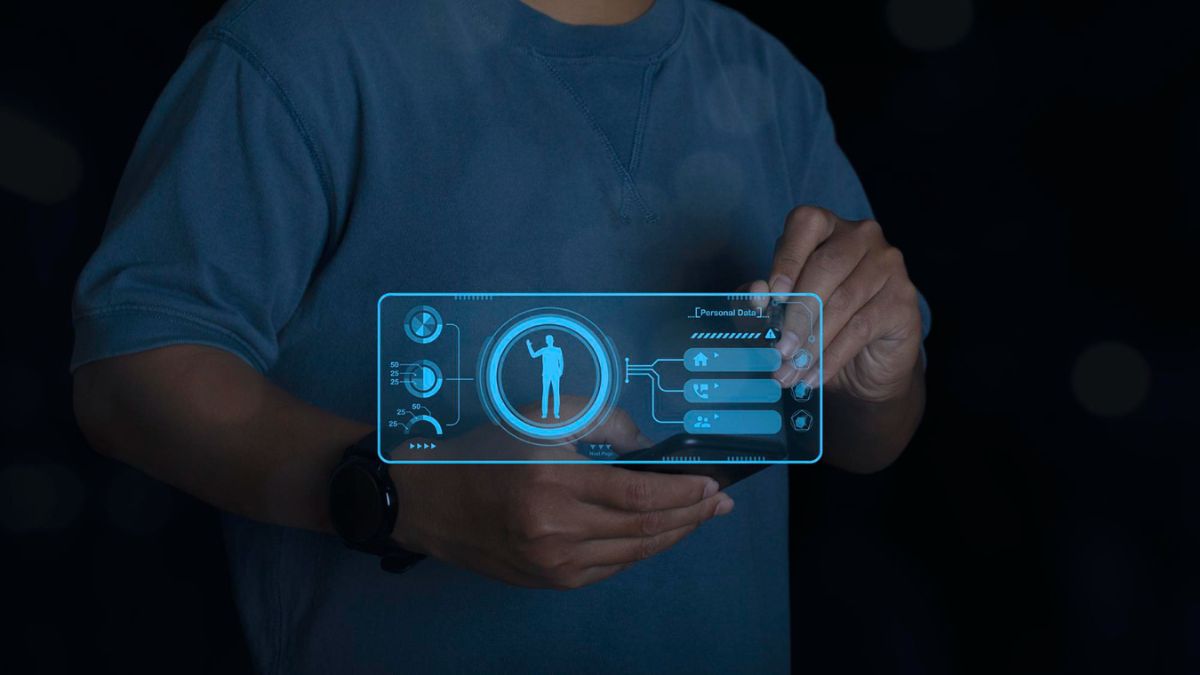
In our daily life in this digital age, we have interaction with computers, smartphones, laptops, gaming consoles, etc. But have you ever wondered how these devices know what we want them to do, like if we typed, moved a mouse or tapped on a screen? That is where Human Interface Devices (HID) are taken into account.
Let’s dive into understanding HID in a very understandable way without any technical jargon.
Table of Contents
What Is a Human Interface Device (HID)?
A Human Interface Device (HID) is any type of device for the computer that allows human contact with machines. In simple terms, HID devices can help you to communicate with your computer through proven commands or get feedback from your computer.
From moving your mouse, typing on your keyboard or using a touchscreen, clicking on a game controller or talking into a microphone – you are using a HID. These devices are a bridge between you and the system and take what you do and turn it into digital commands.
Common Uses of HID Devices
You may be using a lot of HID devices every single day, not even knowing about it. Some well-known examples are:
- Keyboard
- Mouse or touchpad
- Touchscreen devices
- Game controller, joysticks
- Microphones (voice input)
- Scanners and Bar Code Readers
- VR controllers
- Digital pens or styluses
- Remote controls
These devices could be different in appearance, but their purpose is all the same: to help you communicate with your computer or digital device.
How Does an HID Work?
Think of HID as a translator. When you have your keyboard, you make a key press, or on your screen, your finger moves, the HID is able to receive your physical act and turns it into a signal which your computer can understand. The computer then responds accordingly – shows a letter, moves a cursor, performs an action in the game, etc. The process is fast and smooth, and it typically takes place in a fraction of a second.
Why HID Is So Important?
HID technology changed the way we relate to the computer totally. Before the advent of the HID standards, there were some speciality devices, such as keyboards, tablets or controllers, for which different drivers and configurations required hassle to handle these devices.
Nowadays, HID devices are designed to be:
- Plug-and-Play – all you do is plug in the device, and it will work without any special setups.
- Universal – The windows, Mac and Linux. Android gaming consoles and even smart TVs use the HID standard
- Easy to Use – Simple in design and simple to connect, and the technical skills required to use it are minimal.
- Highly Compatible – From USB, Bluetooth, and Wireless dongles, HID is very platform-independent and connection-oriented.
Types of HID Devices
HID devices may be divided into two large groups:
1. Input Devices
These are the ways of getting information to the computer.
Examples: Keyboard, Mouse, Microwave, Game Controllers, Foot Pedals, Bar Code Scanners
2. Output Devices
These are used to provide you with information coming from the device back to you. Examples: Speakers, VR Headsets, Vibration Feedback in game controls, Digital Display
Some devices actually do both – like touchscreens or smart controllers that assist in providing feedback through lights or through vibrations.
HID vs. Normal Peripheral Devices
All devices that are attached to your computer aren’t HID. For example, printers, external hard drives and webcams don’t count for HID because they don’t control and communicate through firsthand human input in real time. HID was mostly interested in the instant human-controlled interaction.
HID as Virtual Reality (VR) in Gaming
Gamers use HID devices all the time – joysticks, steering wheels, VR gloves, headsets and motion sensors. These devices provide input alongside immediate feedback (moving, vibrations or haptic feedback, etc.), which makes the games more immersive and more interactive.
The Way HID Can Overcome the Hurdles of Technology
One of the best and strongest points of HID is accessibility. There are special tools used by people with disabilities, called HID tools, for example:
- Braille touchpads
- Adaptive keyboards
- Eye-tracking devices
- Voice control systems
- Assistive joysticks
These devices are beneficial for all those who do and don’t have the physical ability to interact with technology by meaningful means.
The Future for Human Interface Devices
HID is fast evolving and getting intuitive. Voice recognition, gesture control, facial tracking and brain-controlled interfaces are helping to make interaction more natural than ever before.
In the future, we’ll stop clicking and typing – we’ll enter into a world where computers understand our movements, emotions, voice and even intentions.
Final Thoughts
Human Interface Devices, or HID’s, are the unsung heroes of today’s technology. They allow us to communicate with computers in the most natural, simple, and intuitive ways – via touch, voice, movement, typing, etc. Whether it’s a mouse, touchscreen, VR glove or voice assistant – HID is what makes digital interaction human-like.
Also Read: What Are Mid Range Speakers?